
Introduction
AI changes how we think about compute in every data center. Training once dominated the spend. Now complex reasoning and fast inference matter just as much. Teams use CUDA software on GPUs to grow their computing power, whether they’re working with one graphics card or running huge data centers.
This article shows how CUDA helps teams run AI models quickly and efficiently. It also shows how different standards and design choices can change the cost and energy needed.
CUDA in one page
CUDA (compute unified device architecture) is the programming model and parallel computing platform from NVIDIA. CUDA lets software use a graphics processing unit for general purpose compute. Developers write kernels that run across thousands of lightweight threads on the GPU. Libraries, compilers, and tools wrap this model, so teams can adopt it without writing low‑level code for every routine.
The model pairs a host CPU with one or more GPUs. Kernels launch over grids of blocks and threads. Memory tiers (global, shared, registers) and streams help hide latency and keep the device busy. This design, first documented in the early guides, still underpins today’s releases.
CUDA has grown with new precisions, graph execution, and multi‑GPU support. It also underpins higher‑level libraries that most teams use day to day. In practice, many teams work through frameworks (PyTorch, TensorFlow) and rely on CUDA kernels under the hood. [developer.nvidia.com]
Hardware foundations: GPUs for inference and reasoning
Modern nvidia gpus based on the Hopper architecture add features built for neural network workloads. FP8 Tensor Cores with the Transformer Engine speed up matrix ops and cut memory traffic in both training and inference. NVLink and NVSwitch boost intra‑node bandwidth so multiple GPUs can behave like one large device.
A DGX H100/H200 system shows the platform at node scale: eight H100 or H200 GPUs tied by 4th‑gen NVLink/NVSwitch (up to ~900 GB/s per GPU) and fast ConnectX‑7 networking for cluster scale‑out. These systems target high‑throughput inference as well as large training runs.
Independent and vendor sources alike describe the Hopper gains: FP8 support, stronger Tensor Cores, DPX instructions, and memory hierarchy changes. For many high performance computers, these features play a pivotal role in speeding sequence models and other dynamic programming tasks.
Why GPU computing fits AI reasoning
Reasoning workloads are bursty and stateful. They need fast token‑by‑token processing with tight latency targets. CUDA‑based gpu computing helps for three reasons:
-
Massive parallelism with low overhead. Thousands of threads keep arithmetic units busy even when requests vary in shape and size. The CUDA model exposes streams and events to overlap work and I/O.
-
Math formats that match the task. FP8, BF16, and INT8 paths push more tokens per watt while holding quality, especially with calibration or mixed precision. Libraries like NVIDIA’s Transformer Engine expose these paths.
-
Tight interconnects for multi‑GPU inference. With NVLink/NVSwitch and high‑speed InfiniBand, sharded models can serve long contexts while staying close to linear scaling.
Academic and practitioner studies show that TensorRT and similar toolchains cut inference latency and raise throughput, which suits real time serving. While results vary by model, several evaluations show material gains without accuracy loss when using these optimisers.
From single GPU to cluster: the interconnect story
A single graphics card handles many tasks. But large ai models need more memory and more compute, so the network between devices becomes the bottleneck. For this, CUDA fits into a stack with NVLink/NVSwitch in the node and InfiniBand or specialised Ethernet fabrics across nodes. The aim is simple: low latency, high bandwidth, and predictable tails for collective ops.
Surveys and handbooks on distributed computing for model training and inference echo the same rule. Pick interconnects that reduce jitter and support RDMA, use NCCL for collective operations, and plan for both pipeline and tensor parallelism.
Even vendor‑neutral explainers mention why NVSwitch matters inside a server. True all‑to‑all links allow full‑bandwidth paths between GPUs and avoid routing through the CPU. That is critical for model shards and attention cache movement at scale.
Data centre topologies and what changes with AI reasoning
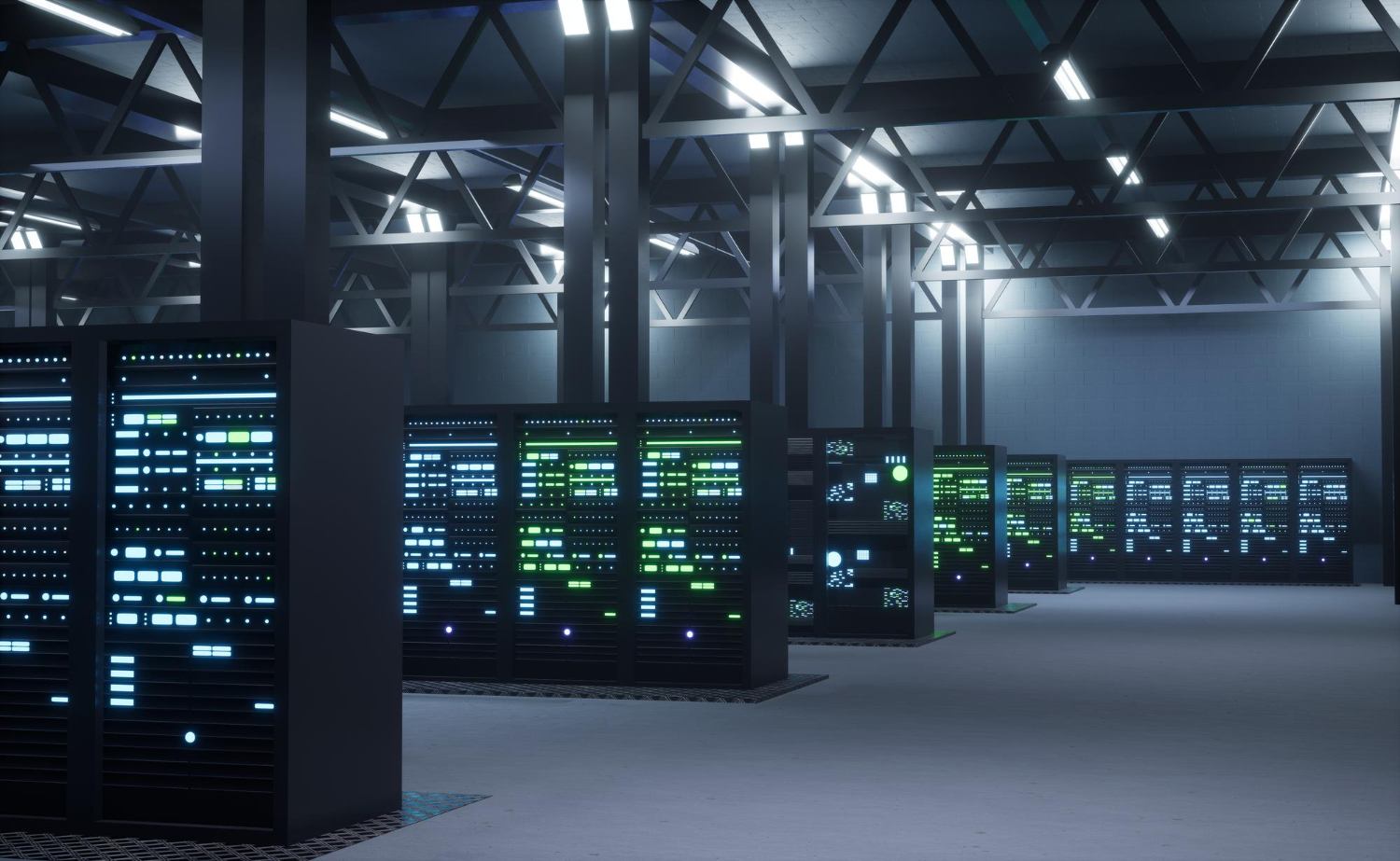
A traditional data center supported web apps and batch analytics on CPU racks. AI adds new patterns: higher rack densities, liquid cooling in some cases, and strict latency. Surveys from Uptime Institute show average PUE mostly flat in recent years, while densities creep higher, with only a small share of racks past 30 kW. This explains why many sites are mid‑transition and why planning matters.
As the market shifts, many operators adopt hybrid placements and push half or more workloads off‑premises. But for real time reasoning on sensitive data, on‑prem or colocation with strict SLAs remains common. Choosing where to place GPU racks now depends on grid capacity, cooling methods, and network backhaul to upstream systems.
Analysts expect large growth in capex for large data center builds for AI, with multi‑trillion budgets projected by the end of the decade. That growth forces careful staging, including power contracts, substation upgrades, and modular build‑outs.
Energy efficiency: facts, metrics, and practical steps
Running reasoning at scale means tracking watts as well as latency. A fair reading of public studies suggests two key points:
-
Accelerated nodes tend to complete work faster and with better energy per job. For example, a Department of Energy facility measured several science and AI apps on A100 nodes and reported strong energy‑efficiency gains over CPU‑only baselines.
-
Overall data center electricity use will still rise with demand. Forecasts from research firms and public agencies expect a large jump by 2030, which makes site design and operations a first‑order concern.
When you benchmark, use accepted industry standards for metrics. ISO/IEC 30134‑2 defines PUE and its categories. Teams should record total facility energy and IT energy at the defined points and report PUE with category labels. This helps compare sites and avoids confusion across vendors.
Cooling is a major part of non‑IT load. New materials and approaches keep showing gains. Recent work in thermal interface materials, for example, reports better heat transfer across chip packages, which may trim cooling energy at the system level if adopted.
Practical checklist for operators
-
Track PUE under ISO/IEC 30134‑2 methods and publish the category.
-
Right‑size power distribution for high‑density GPU racks and plan for selective liquid cooling if needed.
-
Use workload‑level power tracking to report energy per token or per request for your inference services. Combine this with queueing metrics so that you measure real end‑to‑end performance. (Operational practice based on standard PUE and published surveys.)
Software path: from model to CUDA kernels
For reasoning services, latency matters. CUDA‑based toolchains address this with:
-
Precision selection. FP8, BF16, and INT8 reduce compute and memory cost. The Transformer Engine and related libraries manage scaling to keep accuracy.
-
Kernel fusion and graphs. TensorRT and CUDA Graphs reduce launch overheads and memory movement. Best‑practice guides show how to profile and benchmark with trtexec and mixed precision.
-
Batching and scheduling. At inference time, a smart scheduler groups requests to keep Tensor Cores full while keeping tail latency under control. (Practices described in published inference guides.)
Independent evaluations have shown that TensorRT can improve throughput and maintain accuracy across image and language models. This aligns with production reports where teams see reduced cloud spend per request after optimisation.
What “CUDA AI for the Era of AI Reasoning” means in practice
Putting it all together:
-
Node design. Choose GPUs with strong Tensor Cores and memory bandwidth (e.g., H100/H200). Use NVLink/NVSwitch inside the node so model shards can talk fast.
-
Fabric choice. For cluster scale, use 400 Gb/s class InfiniBand or Ethernet fabrics tuned for RDMA and collective traffic patterns. Keep east–west paths non‑blocking for predictable tails.
-
Software stack. Use CUDA‑aware frameworks and optimise with TensorRT and FP8/INT8 where quality allows. Validate with clear metrics: tokens/sec, p95 latency, and energy/request.
-
Operations. Size power and cooling for high density. Track PUE with ISO/IEC 30134‑2. Consider liquid cooling at rack or chip level as densities push past common air‑cooling limits.
How this affects different stakeholders
Application teams
Focus on model choices and serving stacks that map well to GPUs. Prefer attention‑friendly kernels and caching schemes. Keep batch size adaptive to balance throughput and latency. When you need real time interaction, profile each layer and confirm that the serving stack uses efficient CUDA paths.
Platform engineers
Design clusters with balanced compute and fabric. Use NCCL for collectives and ensure GPUDirect RDMA is enabled end‑to‑end so tensors move without staging in host memory. Track queue depth and memory use to spot pressure before it hurts latency.
Data center operators
Expect rising power density, more heat per rack, and stricter SLAs. Plan for staged upgrades. Adopt PUE reporting, and keep a record of partial PUE under mixed‑use situations. Engage early with utilities on substation upgrades if you host GPU pods at scale.
The role of standards and shared language
When teams discuss energy efficiency and performance, shared terms reduce confusion:
- PUE from ISO/IEC 30134‑2 defines how to measure facility vs. IT energy. Use it when reporting site efficiency.
- Rack density and cooling types appear in annual surveys. Citing these studies helps boards and regulators see where your site fits on the curve.
- Compute capability, cuda compute unified device versions, and toolkit revisions matter for compatibility and performance tuning. Keep a change log for drivers and CUDA libraries in production. (CUDA documentation provides the canonical references.)
Common pitfalls and how to avoid them
Undersized interconnects. High FLOPs do not help if GPUs wait on network transfers. Validate per‑hop latency and bisection bandwidth before production.
Ignoring memory paths. Many latency spikes trace back to host‑device copies. Use pinned memory, CUDA streams, and GPUDirect features to cut staging overhead. Surveys on GPU‑centric communication discuss these patterns in detail.
One‑off benchmarks. Single‑batch wins can hide poor tails. Profile p95 and p99 and match batchers to traffic patterns. The TensorRT best‑practices guide outlines a reliable way to benchmark and profile.
Site metrics without context. PUE alone does not equal low carbon. Report both PUE and energy mix, and track energy per request for your inference tier. ISO/IEC materials explain scope and categories so reports are clear.
Consclusion
Demand for reasoning‑heavy services will keep rising, and so will the need for efficient compute. Studies suggest that total electricity use by data centers could roughly double by 2030, though the exact path depends on efficiency progress and grid changes. This makes good engineering choices urgent rather than optional.
On hardware roadmaps, newer architectures continue the trend: more memory, faster links, and finer‑grained precision. On software, expect better compilation, graph capture, and scheduler improvements to squeeze more work out of each GPU minute. The steady theme remains the same: match the workload to the hardware through CUDA and measure everything.
How TechnoLynx can help
TechnoLynx focuses on practical solutions for GPU‑ready inference platforms. We help teams size nodes, select fabrics, and design serving stacks that use cuda ai well. We also guide data center operators on readiness checks, energy reporting under ISO/IEC 30134‑2, and migration paths from a traditional data center to GPU‑dense pods in a large data center.
Our work centres on design reviews, architecture blueprints, and hands‑on tuning of CUDA‑based inference. Your reasoning workloads can run faster, cost less, and meet clear reporting goals, with our help.
Ready to make your CUDA‑based reasoning stack faster and more efficient? Contact TechnoLynx to schedule a short assessment and get an actionable plan within two weeks.
References
-
NVIDIA Developer. “CUDA Platform for Accelerated Computing.”
-
NVIDIA Documentation Hub. “CUDA Programming Guide.” (Programming model and features).
-
NVIDIA Docs Hub. “CUDA Programming Guide — docs.nvidia.cn mirror.”
-
NVIDIA. “Hopper GPU Architecture.” (Transformer Engine, NVLink/NVSwitch).
-
Cisco. “NVIDIA H100 Tensor Core GPU — Datasheet.” (Throughput, FP8, NVLink).
-
NVIDIA Docs. “DGX H100/H200 User Guide: Introduction.” (System topology and networking).
-
arXiv (Luo et al., 2024). “Benchmarking and Dissecting the Nvidia Hopper GPU Architecture.”
-
NVIDIA Docs. “TensorRT Best Practices.” (Benchmarking and optimisation).
-
Texas State University (Zhou & Yang, 2022). “Exploring TensorRT to Improve Real‑Time Inference for Deep Learning.”
-
NVIDIA GitHub / Docs. “Transformer Engine (FP8 for Hopper/Ada/Blackwell).”
-
Uptime Institute. “Global Data Center Survey 2024.” (Trends on density, PUE, off‑prem use).
-
Uptime Institute (Press, 2023). “13th Annual Global Data Center Survey.”
-
Harvard Kempner Institute Handbook. “Distributed Inference.” (vLLM, PP/TP and network advice).
Image credits: Freepik